Operational software for companies running on disparate systems.
We build SaaS products that read the systems a business already runs on, then turn them into reporting and automation its operators can act on. Our first product, EscrowIQ, does that for title and settlement agencies.
Operational Intelligence for Title Services
EscrowIQ reads your SoftPro Select database directly and publishes 22 operational reports across production, commitments, abstracts, tasking, marketing, and executive views. No exports, no rekeying, no analyst in the middle.
What we do
01
Products
Licensed software for a specific industry and a specific system of record. EscrowIQ is the first; the same pattern applies wherever operators find friction.
02
Integration work
Connecting the tools a business already paid for so work moves between them without manual labor and human spackle.
03
Technology assessments
A documented read of your current stack and workflows, with a prioritized list of what to fix and what it is worth.
Operational Intelligence for Title Services — by Hubmission
Settlement operations already produce the numbers leadership asks for — they are just locked inside SoftPro Select and reassembled by hand every week. EscrowIQ installs inside your environment, reads that database directly, and turns it into standing reports for production, commitments, abstracts, task queues, marketing, and executive review.
Order Volume by Agent · Inactive Agents · New Agents · Deals by Marketing Rep
Tasking4 reports
Task Overview · Task Workload · All Tasks · User Queue
What operators get
Your file types, profiles, and offices
Order prefixes, profiles, closing offices, contact-type mappings, and task descriptions are configured per installation, so reports match how your agency actually files work.
Task and queue visibility
Open tasks by age, overdue work, workload per escrow officer or assistant, and per-file checklist status — the operational layer under the volume numbers.
Permissions by AD group
Sections and individual pages can be restricted to Active Directory groups. Executive revenue views stay with the people who should see them.
Reports that arrive on their own *
Any report page can be scheduled as a PDF, image, or CSV and emailed to a recipient list on a recurring basis. Nobody needs to be logged in for a send to fire.
* Add-on — scheduled report delivery is not included in the base license.
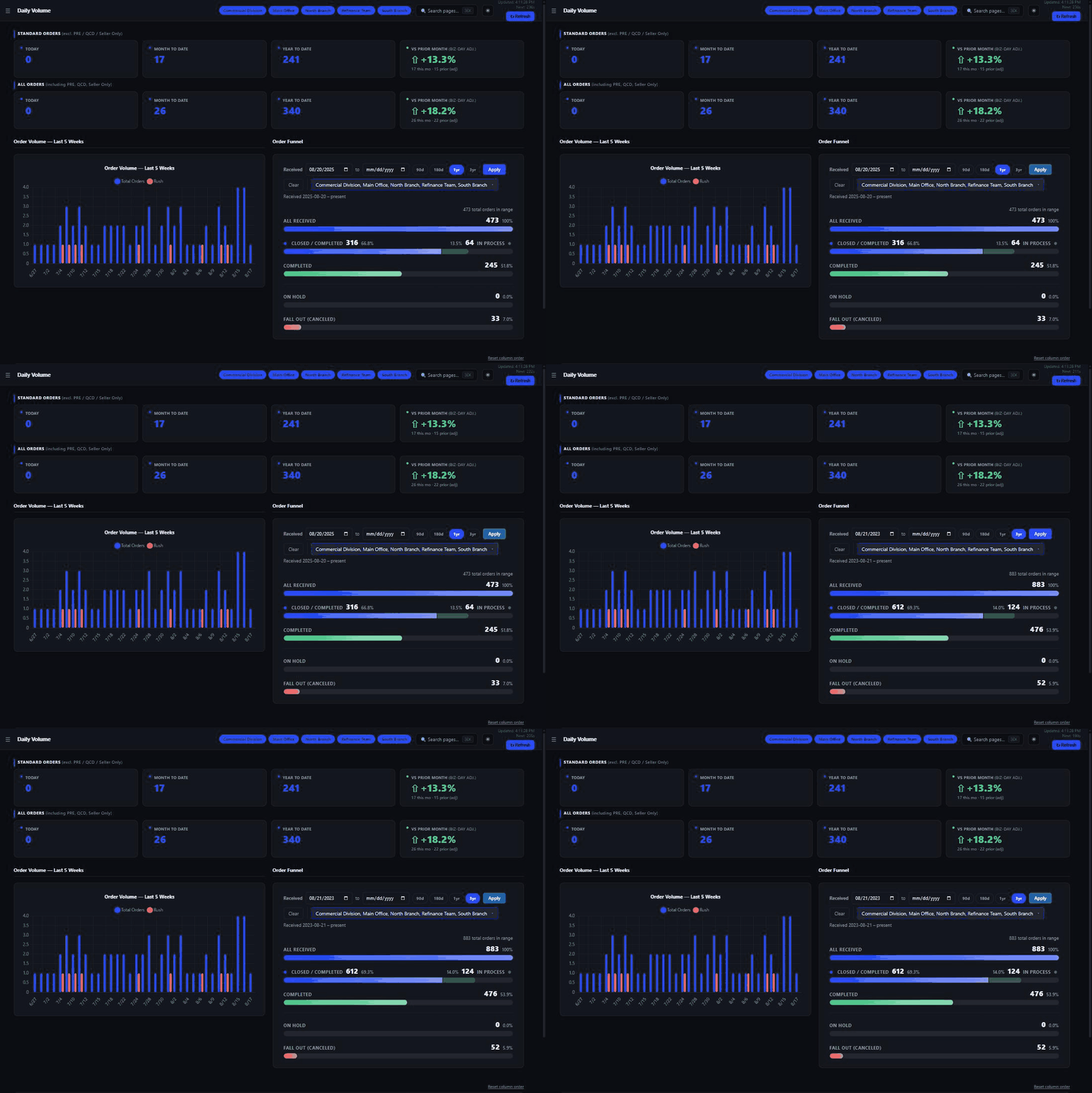
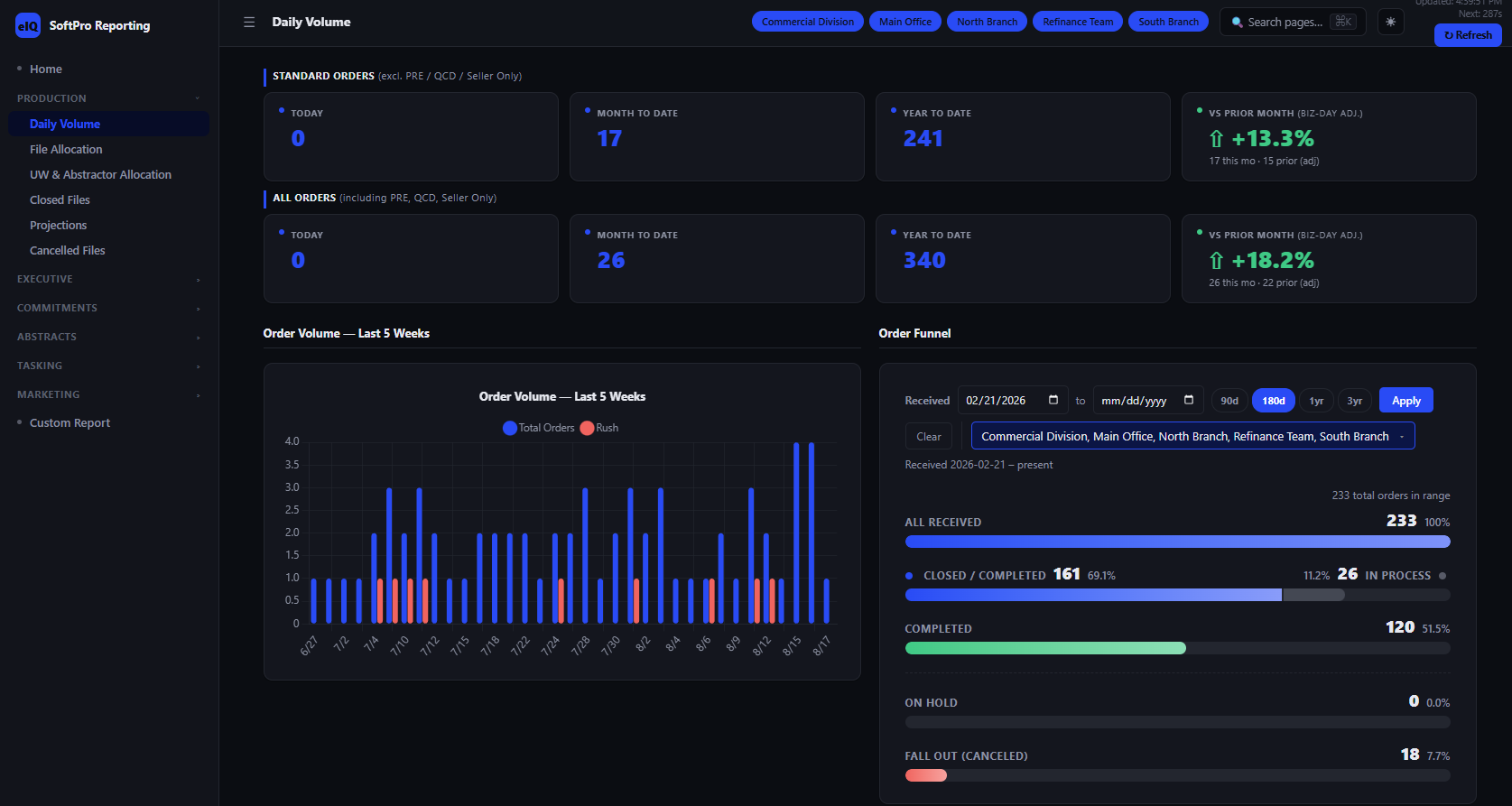
View screenshots in
Platform
It runs in your environment, against your system of record.
There is no data warehouse to fill and no nightly export to babysit. EscrowIQ is installed on a server you control, authenticated with the accounts your staff already use, and pointed at the SoftPro Select database your agency runs on.
01
Install
EscrowIQ is published to an IIS site on a Windows server inside your network, running on .NET 8. One connection string points it at the same SelectDb your SoftPro Select installation uses.
02
Configure
An admin session sets your order-number prefixes, profiles, closing offices, and contact-type mappings, then runs task discovery to map the task descriptions your workflows actually use.
03
Set permissions
Map your Active Directory security groups to report sections and individual pages, so each group only sees what it's provisioned for — executive revenue views stay with leadership, tasking queues stay with operations.
04
Report
Twenty-two report pages come online across six sections. Filters follow your own profiles and offices, and any grid exports to CSV.
05
Subscribe
Pick report pages, a format — PDF, image, or CSV — a schedule, and a recipient list. Sends run unattended from the server.
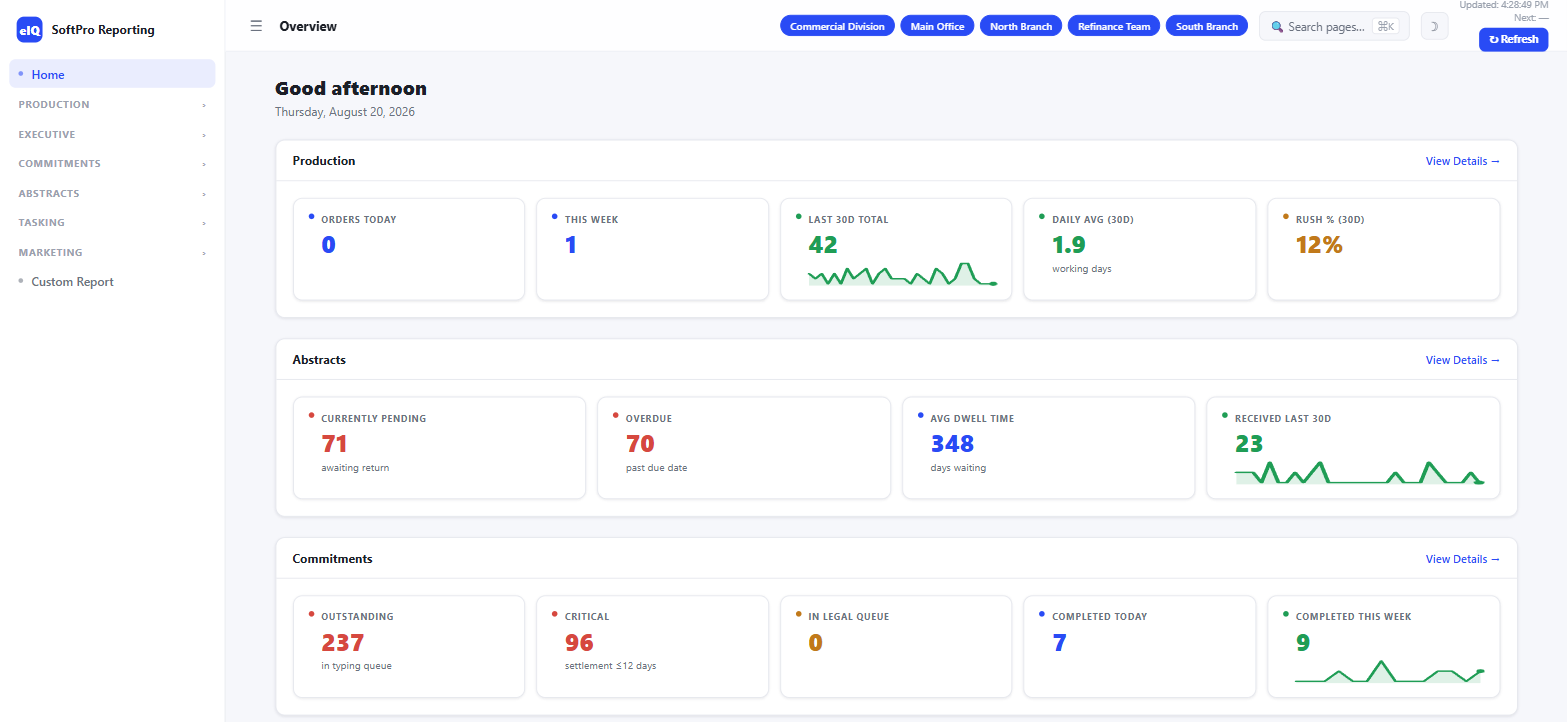
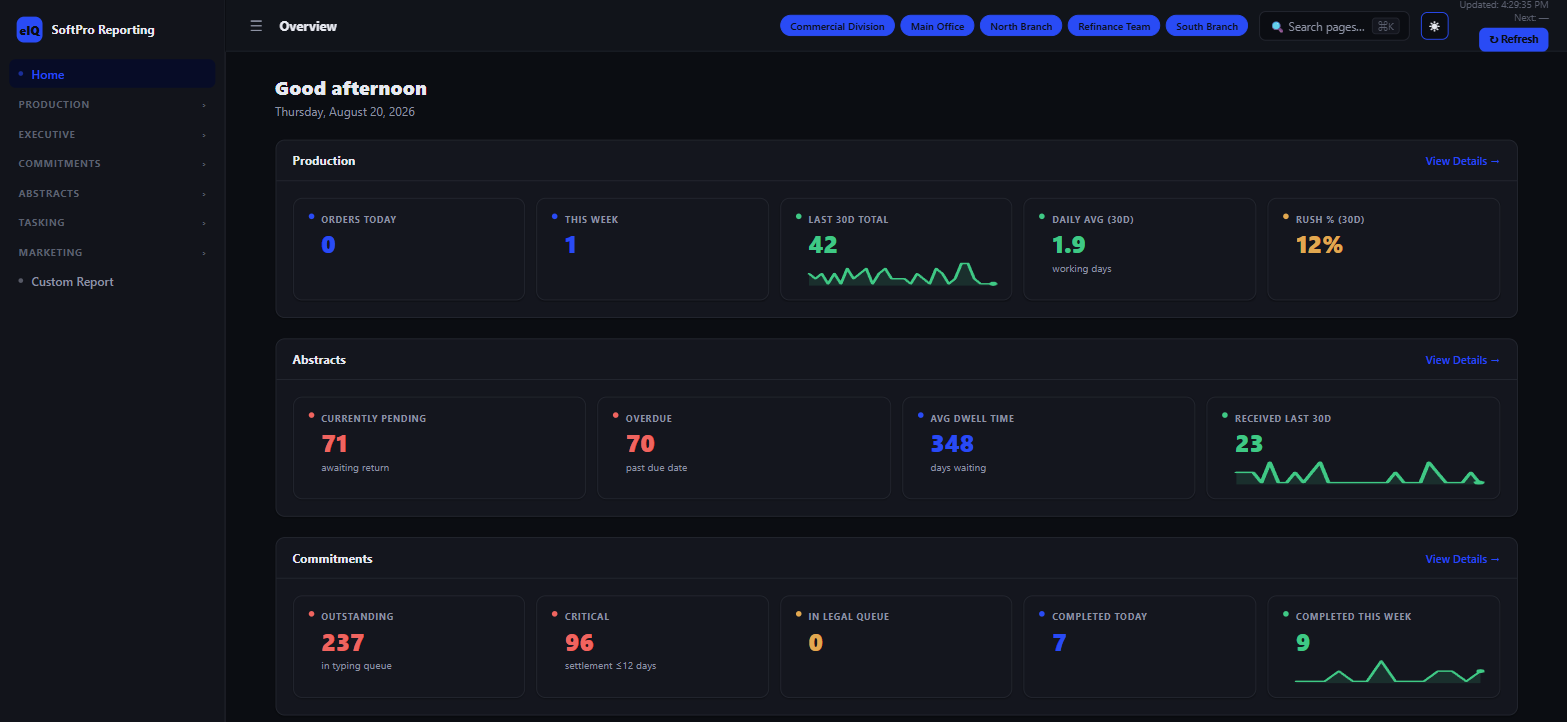
Light or dark, per user
Every report page and the admin console render in either theme. Each user picks their own — the choice is saved per account, not forced site-wide.
Light mode
Dark mode
Requirements
System of record
SoftPro Select, SQL Server
Server
Windows Server + IIS, .NET 8
Authentication
Windows Auth, AD group permissions
Reporting data is read from your database and never leaves your network. The only outbound call is the license check-in.
Pricing
One product. No tiers.
Every installation gets the full platform — nothing gated behind a higher plan. Priced per agency, billed monthly on an annual contract.
EscrowIQ
Full platform, one installation — 22 reports, unlimited users
$199/mo
Annual contract
Production, Commitments, Abstracts, Executive, Marketing, and Tasking
CSV export on every grid, permissions by AD group
Install and configuration session included
Contact
Book a demo.
A 30-minute walkthrough of EscrowIQ against sample SoftPro data, plus what an install in your environment would involve.